Maintenance Reminder Still On? Check the Service Record Before Resetting
Clearing a reminder does not complete the maintenance. Match the message to the work performed and keep a clear record before resetting anything.
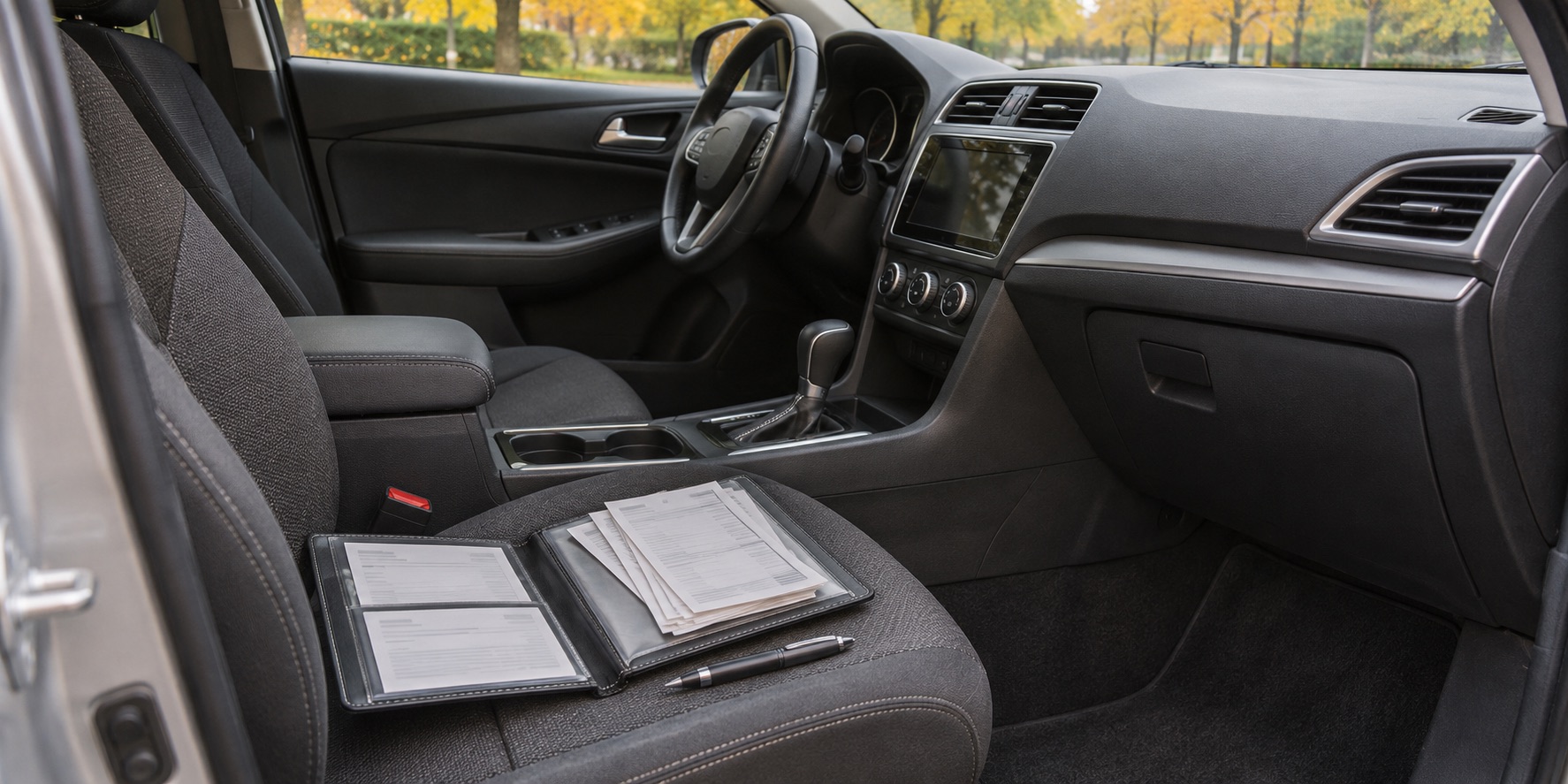
You have just collected your vehicle after service, but a maintenance message still appears. Or you have bought a used car and the display shows a fresh maintenance interval, while the paperwork tells you very little. In either case, pressing reset is not the first useful step. Establish what was done and what the display is tracking.
For owners in Bolton and Caledon, keeping the dashboard reminder and the service record consistent helps prevent both missed maintenance and unnecessary repeat work. A cleared message is evidence that a setting changed. It is not, by itself, proof that the related service was completed.
Record the exact message first
While safely parked, photograph the complete message, any maintenance item codes and the odometer. Include the date in your notes. Do this before changing settings, because a vague description such as “the service light” can leave the shop guessing which display you mean.
Read the corresponding section of the owner's manual for your model year and equipment. This article concerns scheduled-maintenance reminders. Do not assume an oil-pressure, brake, temperature or other fault warning can be handled with a maintenance reset. Follow the instructions for the actual warning and seek assistance when required.
A reminder that stayed on after an appointment also deserves a neutral description. Start with “this message is still displayed” rather than assuming either the work was missed or the vehicle has developed a new electrical fault.
Compare the invoice with the reminder
Look at the completed-work section of the invoice, not just the appointment description. A booking labelled “service” does not tell you whether every maintenance item was requested, authorized and completed. Recommendations or estimates may appear on the same document as finished work, so read those distinctions carefully.
Write down three things: what the reminder asks for, what the invoice confirms, and what remains unclear. If a code includes several items, ask the shop to explain which ones applied and how they were handled. Avoid treating every letter or number found online as applicable to your vehicle.
Keep inspection findings separate from replacement work. An inspected component is not necessarily a replaced component, and a recommendation is not a completed repair. That distinction makes your records more useful the next time you compare them with a maintenance schedule.
A reset belongs after the relevant work
Manufacturer instructions support that order. Ford's linked oil-life-monitor guidance says to reset that system after the engine oil and filter have been changed. It does not describe resetting the display as a substitute for the change.
The 2014 Acura RDX manual provides another specific example: it instructs owners to reset the engine-oil-life display after maintenance and warns that failing to reset it after service can produce incorrect maintenance intervals. These are examples of why the record and display need to agree; use the procedure for your own vehicle rather than copying another model's button sequence.
If work was completed but the reminder was not reset, contact the servicing shop with the invoice and photograph. Ask them to confirm the appropriate correction. You should not need to authorize the same maintenance again merely because a display still shows the old reminder.
If someone reset it too soon
An accidental reset does not create a new service history. Record when it happened, the odometer reading and which items were affected, as accurately as you can. Keep the previous invoice and any photograph of the earlier display.
Ask how to establish the next due point using the vehicle's instructions and the last verified service. Do not invent a previous service date, select a convenient mileage or assume the new percentage represents work performed. If your system offers more than one maintenance reset, identify which selection was changed.
There is no universal recovery sequence suitable for every car. The useful next step is to reconstruct the facts and obtain model-specific guidance, rather than repeatedly resetting menus in the hope that the earlier information returns.
Missing records need an honest baseline
If you recently bought the vehicle, gather whatever documentation came with it. Request copies from the seller or servicing business where appropriate. A receipt with a date, odometer reading and clear description is more informative than a verbal assurance that everything was done.
Mark uncertain items as unknown. That does not automatically mean every part or fluid needs replacement today; it means the maintenance requirements and available evidence need review. Ask which items can be confirmed from documentation, which require inspection and which cannot reliably be established by appearance alone.
A practical baseline should distinguish work now due from work already supported by records. It should also explain any remaining uncertainty. The purpose is a defensible maintenance plan, not a blanket list of replacements based only on missing paperwork.
Keep the next record easy to use
After service, save the invoice in one place, either a paper folder or a digital folder named for the vehicle. Make sure the date, odometer and completed work are readable. Keep supporting inspection reports with the same visit rather than scattered across messages.
Before leaving, ask whether the relevant reminder was reset and whether any other maintenance remains outstanding. Note the next action using the vehicle's schedule and the shop's explanation. Do not assume that one reset accounts for every time-based requirement or every item in the maintenance plan.
When booking, share the exact message and the most recent relevant invoice. You can review Albion Auto Service's services or contact the shop for help sorting out the record. If there is also a new noise, leak or drivability concern, describe it separately so diagnosis starts with that symptom rather than a guess based on the reminder.
Featured image: AI-generated illustration, not a photograph of Albion Auto Service or a customer's vehicle or records.
Common questions
Does a reset prove the maintenance was completed?
No. Compare the display with the invoice and confirmed service history. A changed setting is not a record of completed work.
Should I repeat an oil change because the reminder stayed on?
First contact the servicing shop and confirm what was completed and whether the correct reminder was reset. The message alone does not establish that the work needs repeating.
What if I reset the reminder by mistake?
Record the date, odometer and affected item, preserve the last verified service record and obtain guidance for your particular vehicle.