EV Plugged In Overnight but Still at the Same Charge?
A plugged-in EV can spend the night waiting for permission to charge. A few readings from the car and home station can explain what happened.
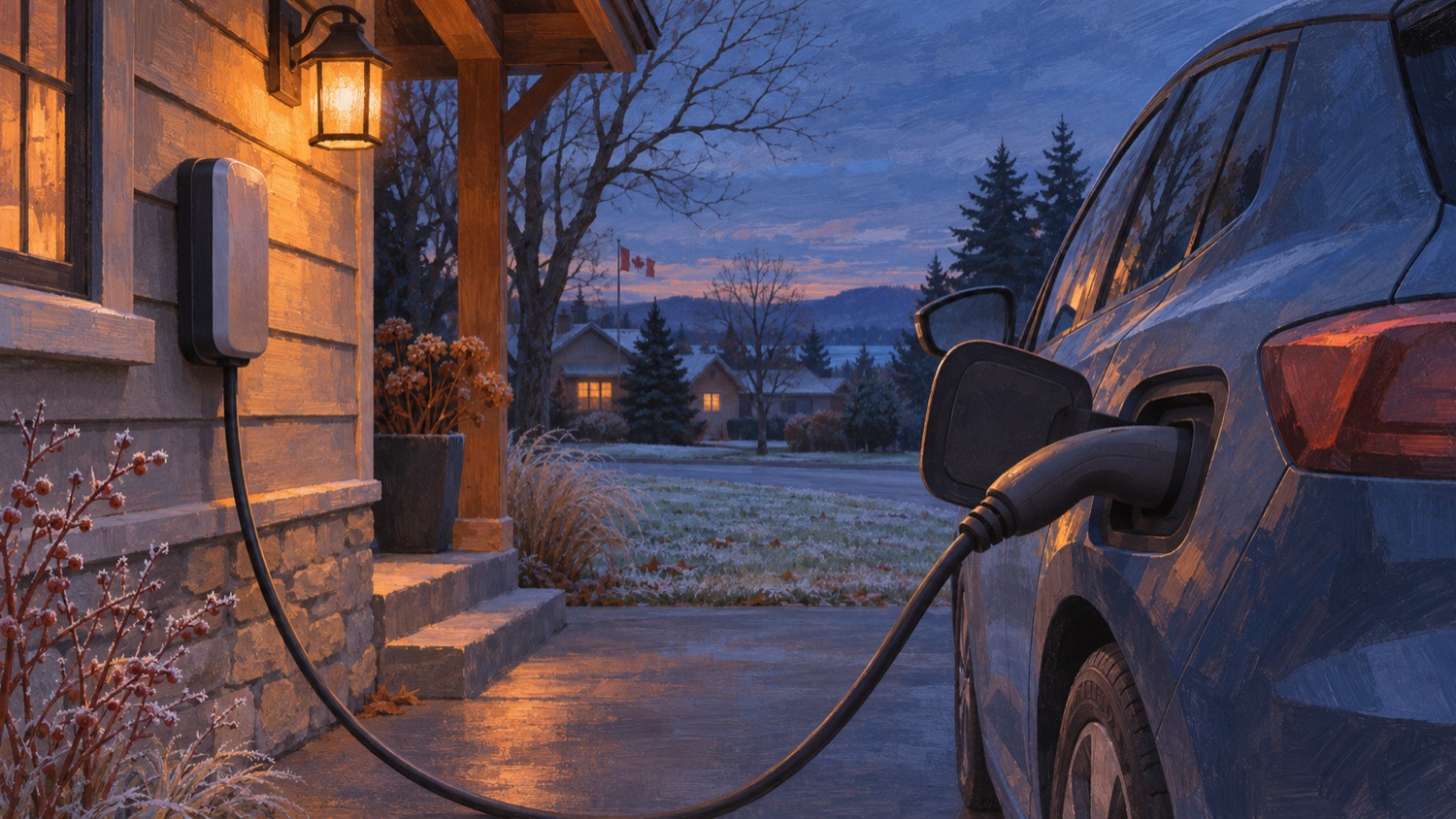
You plug in after work in Bolton, hear the connector click and head inside. In the morning, the battery percentage looks exactly as you left it. Before buying a new cable or booking a battery repair, open the charging screen while the vehicle is still plugged in. The most useful clue may disappear when you disconnect.
Read the target beside the battery percentage
Write down the current percentage, the charge limit and the exact status message. A car at 70 percent with a target of 70 percent has already met the request. The same car at 45 percent with a target of 70 percent has a different story to tell. Look for a scheduled start, a finish time or a message asking you to check the equipment. Take a screenshot that shows the time.
Check the settings for the place where the car spent the night. For example, a Tesla Model 3 can remember a charging schedule by location. A change you made in the driveway at home may have no bearing on what happens at work. Other vehicles use different menus, so use the guide for your model and software version.
Work backward from the morning you needed the car
Read each saved time with its label. A start time of 6 a.m. is a poor match for a 6 a.m. departure. A finish time gives the car a deadline. On a Model 3 with only a finish time selected, the car can briefly draw power after connection to work out when to begin. A click or a momentary reading on the station can therefore be consistent with a session that will start later.
Check the day as well as the hour. If you plug in on Sunday evening and expect charging to begin at 1 a.m., the start falls on Monday. Inspect the entry for the intended location, whether it repeats and which days are selected. Also check whether the event you set up controls cabin preparation or battery charging. A warm cabin at departure answers a different question from how much energy reached the battery overnight.
Compare the car’s schedule with the station’s
If your home charging station has a timer, open its app alongside the vehicle settings. Imagine a station set to supply power from midnight until 4 a.m. and a car set to begin at 5 a.m. Both clocks can be accurate and neither setting provides a time when the car can charge. Save a picture of each schedule before editing it so you can put your usual routine back.
For a simple check while parked, choose a time when the station permits charging, the battery is below its target and the equipment shows no fault. Use the vehicle’s documented command to start a session now. Watch for a sustained charging indication and a power reading, then check whether the station records energy delivered. If charging begins, you have a working session to compare with the missed one. Change one scheduling setting at a time so you can tell which change affected the outcome.
Read the message behind the light
Indicator colours depend on the equipment. The colour on the wall unit may have a different meaning from the same colour at the car. On the Model 3, for example, a steady blue charge-port light can mean the connector is in place and the car is waiting. Pulsing green indicates active charging. Use the vehicle display for the accompanying message and the station manual for the light on the wall unit.
If the car reports a fault, copy the wording and any code before ending the session. If you see damage to the connector or smell burning, stop using the equipment and arrange an inspection. Leave electrical testing and disassembly to a qualified professional.
What to bring to a diagnostic appointment
The most useful comparison is an actual session record. Note when you plugged in, where you parked, what type of station you used and whether the problem happens every time. If the station has a history screen, capture the start time, end time and energy delivered. A record showing zero energy and one showing a session that stopped after several minutes point to different questions.
Mention any successful charging sessions elsewhere and whether they used AC or DC fast charging. A successful fast charge does not reproduce a timed home AC session. If the problem happens only at home, the station manufacturer or installer may also need the station’s record. If the car shows the same alert on more than one compatible AC station, include that detail when you request vehicle diagnosis.
Drivers in Bolton and Caledon can review Albion’s vehicle electrical service information or contact the shop with the vehicle year, model and alert to discuss the appropriate next step.
*Featured artwork is an AI-generated illustration.*
Common questions
Should I replace the charging cable if my car waited all night?
A missed session alone does not identify a cable fault. Check the target, schedules and vehicle and station alerts first.
Why did the car click when I plugged it in and then go quiet?
A Model 3 with a scheduled finish time can briefly sample available power before waiting. Check the charging screen for the planned session.
What should I photograph before unplugging?
Capture the vehicle status, target, battery percentage and any alert. Save the station’s session history and the active schedules on both devices.