Remote Start Not Working? Check the Conditions Before Buying Parts
A failed remote-start request does not identify a failed starter. Check the vehicle instructions and record what happened before replacing parts.
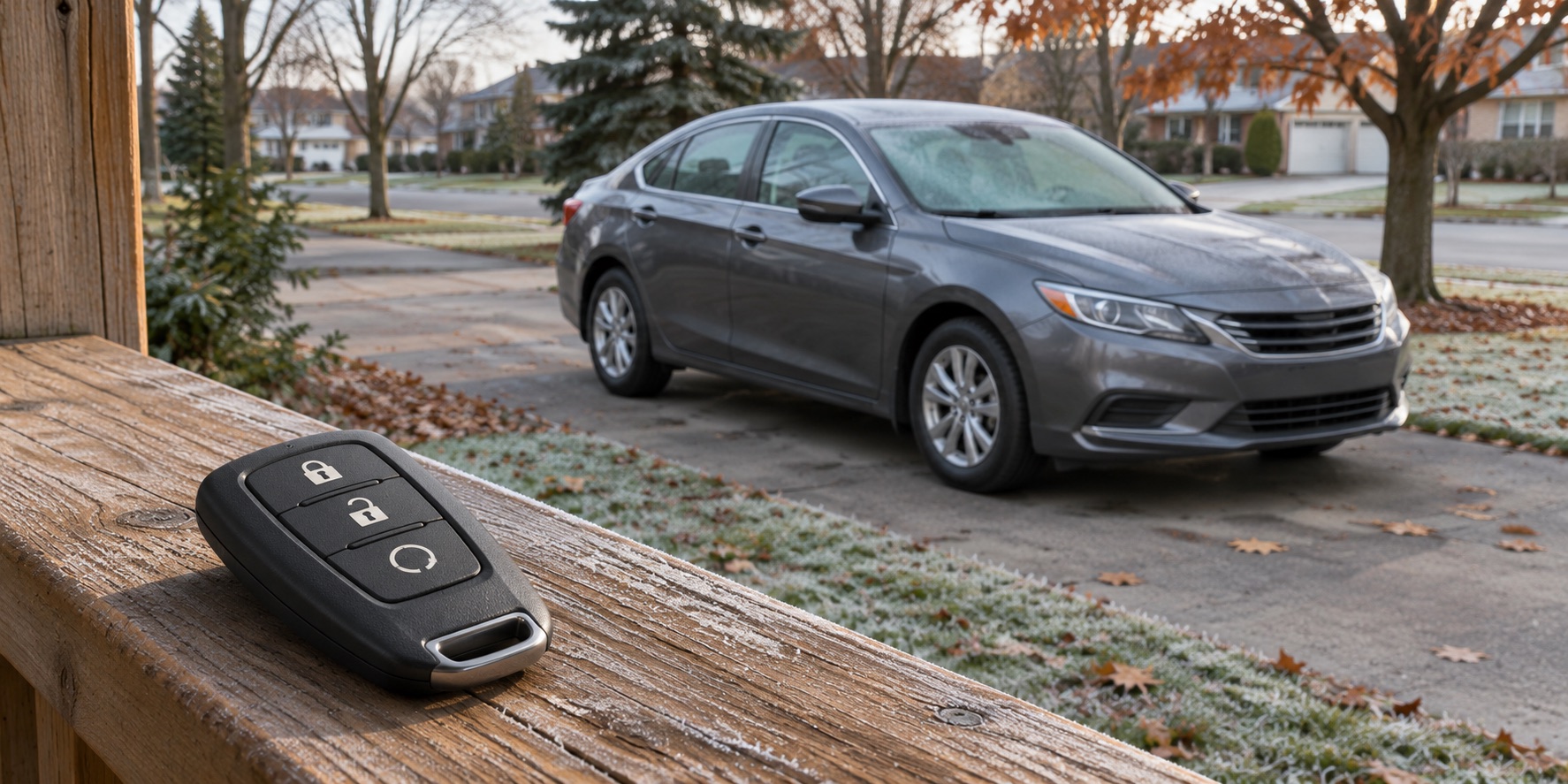
A remote-start button that worked yesterday can become frustrating on a cold morning. Before ordering a new remote, starter or battery, describe the problem more precisely: did the vehicle reject the request, did the phone app fail to connect, or did the engine actually try to start?
For drivers in Bolton and Caledon, a few clear observations can make a service conversation much more useful. Remote start is a convenience feature with operating conditions, and a refusal is not a diagnosis of a broken part. Start with the instructions for your exact vehicle and the message it gives you.
Make the location safe first
Do not test remote start while the vehicle is in a garage. Health Canada advises against idling vehicles in a garage even with the door open because of carbon monoxide exposure. An open garage door is not a reason to make an exception.
If the vehicle is already parked outdoors in a suitable location, follow its operating instructions and check that it is safe to start. Do not leave people or animals dependent on a remotely started vehicle for a safe temperature. Keep the keys secure, and never leave the vehicle running merely to see how long a problem takes to return.
Identify which system you have
Find out whether you are using the original vehicle key fob, a manufacturer phone app, or an aftermarket remote-start system. Keep those details in the booking notes. Instructions for a factory system may not apply to equipment installed later, even when both operate the same vehicle.
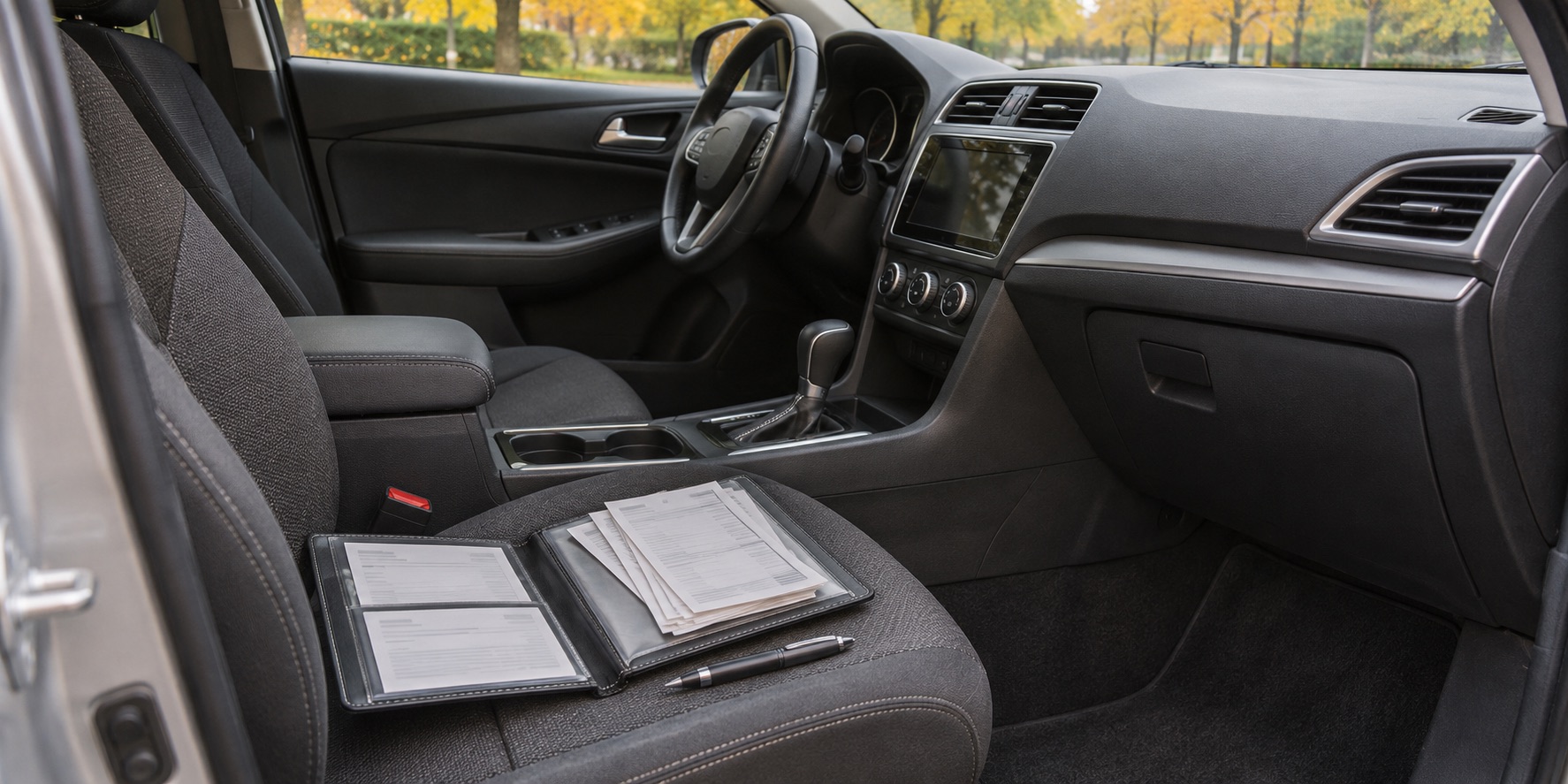
For an aftermarket system, look for the supplied owner instructions or installation receipt. Record the brand and model if you have them. You do not need to remove panels or trace wiring to prepare for an appointment. A photograph of the remote and any paperwork is a better starting point than guessing which module is fitted.
Also confirm that remote start is actually included and enabled on your vehicle. A similar-looking key, an app button or a feature shown in an online video does not establish the equipment on your particular car.
Read the conditions before repeating the request
Manufacturer restrictions differ. As one example, the Ford remote-start limitations page linked below lists an active alarm, an open hood, a transmission outside Park, ignition already on, a check-engine light, or insufficient battery voltage as reasons the feature will not operate. That is an example for the covered Ford system, not a checklist guaranteed to apply to every make and year.
Use your own manual to check the required sequence and conditions. Note any message about a door, hood, fuel level or unavailable feature. Do not defeat a switch, bypass an interlock or change wiring to make remote start work. If the display reports something that does not match the vehicle's condition, record that mismatch for diagnosis.
Separate the request from the vehicle response
Write down what you actually observed. “Nothing happened” can mean several different things, and the distinctions matter when someone tries to reproduce the concern.
- Did the fob show any response, or did the vehicle flash its lamps?
- Did the app report a connection problem, a rejected command or a completed request?
- Was the vehicle visible, so you could confirm whether the engine ran?
- Did it start and stop, or never start at all?
- Was there a dashboard message when you later entered the vehicle?
Avoid repeatedly trying different sequences from internet comments. Follow the documented procedure and stop when the instructions say to. If you cannot tell whether a request succeeded, check the vehicle safely rather than assuming an app status describes everything that happened.
An app problem deserves its own notes
A phone-based command adds an account and communication path to the picture. Ford's app guidance, for example, describes connecting and activating the vehicle before remote features can be used. Check the manufacturer's current support instructions for your system rather than deleting accounts or resetting vehicle settings at random.
Record whether the app can show current vehicle information and whether other supported remote functions respond. Note any recent phone change, account change or app update. These observations help distinguish a remote-service concern from a vehicle starting concern; they do not prove which component, if any, needs replacement.
Save a screenshot of the exact error before it disappears. Remove personal account details before sharing it publicly, and provide relevant information directly when arranging service.
Tell the shop whether normal starting also changed
If you have already started the vehicle normally, include that result. “Starts normally from the driver's seat but rejects remote start” is a different description from “will not start by either method.” Do not keep attempting to crank a vehicle that is struggling to start; follow the manual and arrange assistance as needed.
Mention warning lights, unusual starting sounds or other new symptoms. Do not disconnect the battery or erase fault information just to clear a message before the appointment. Ask for the condition to be investigated before authorizing a part based only on a remote-start failure.
A useful repair explanation connects the symptom to evidence: what prevented the request, what checks supported the finding, and what was confirmed after the correction. A replacement recommendation should answer those questions, not simply name the most familiar electrical part.
Bring a short, useful record
Prepare the vehicle year and model, system type, exact message, approximate outdoor conditions and whether the concern repeats in the same location. Include recent battery work, repairs or changes to the remote-start setup, without assuming any one event caused the problem.
You can review Albion Auto Service's services or contact the shop to describe the concern. Clear observations help set the direction for diagnosis and avoid turning a convenience-feature complaint into a shopping list of unproven parts.
*Featured image: AI-generated illustration, not a photograph of Albion Auto Service, its staff or a customer's vehicle.*
Common questions
Does a failed remote start mean the starter is bad?
No. A rejected request does not identify a failed part. Record the response and have the operating conditions and cause checked.
Can a warning light prevent remote start?
Some systems inhibit remote start under specified warning conditions. Check the manual for your exact vehicle rather than applying another model’s rules.
Can I test remote start in a garage with the door open?
No. Do not use a garage for a remote-start test; Health Canada warns against idling vehicles there even with the door open.